Archive for the 'Networking' Category

XBee LilyPad

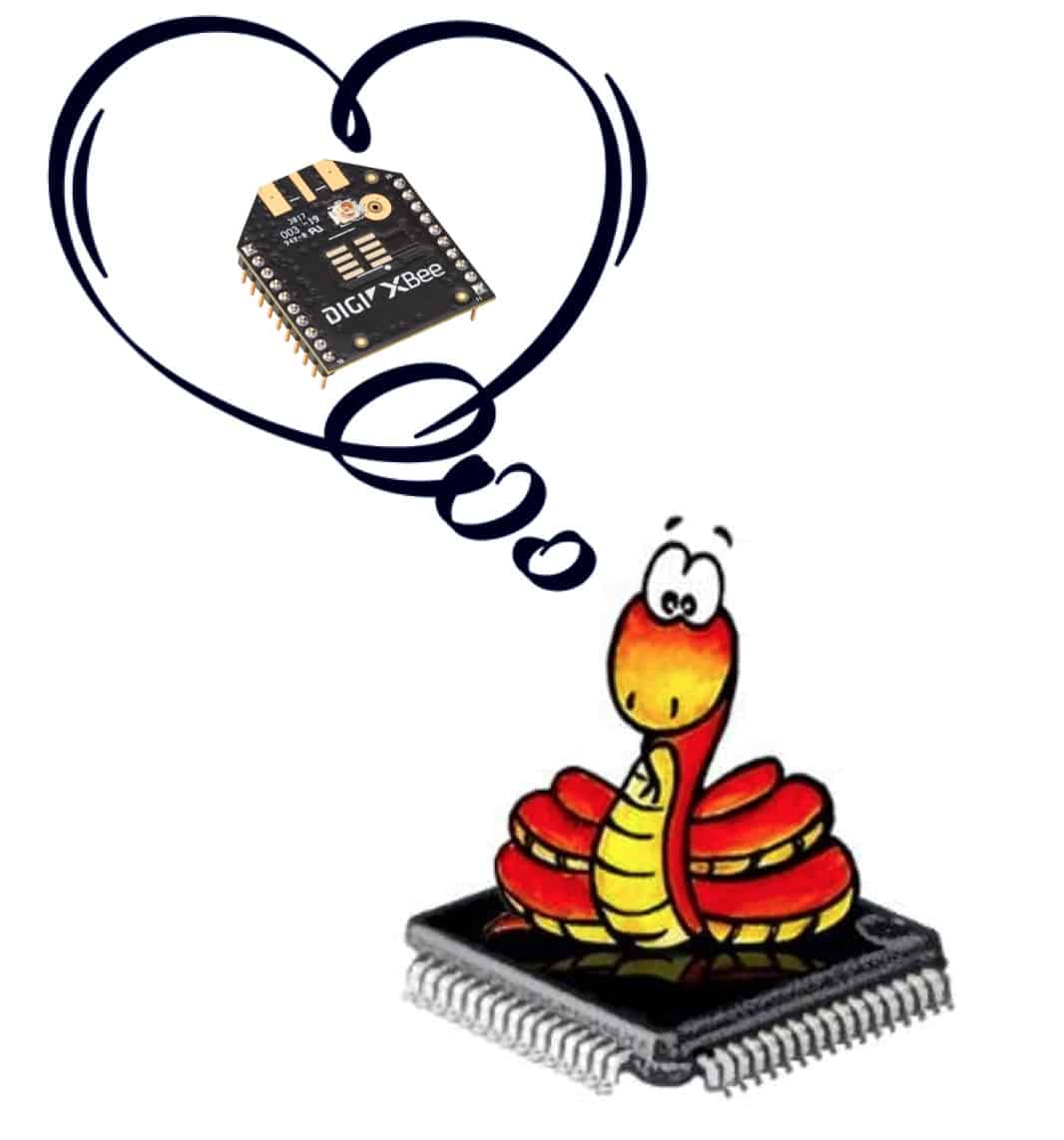
We work with the LilyPad open-source wearables system and the XBee radios a lot at ITP, so Kate Hartman and I decided that it was time to put the two together. My Friday 7 in 7 project was to create a XBee LilyPad board, the first draft of which is pictured above. There’s probably going to be a second draft before we have the printed circuit boards made, adding some decoupling capacitors and possibly a few output LEDs. I’d like to keep things pretty bare bones and just see how people might use them before adding complexity like sensors or independent power. We’re planning to run some tests on the prototypes to evaluate wearability and integration methods. The XBee can transmit information from an Arduino module, but also has some ability to function independently. There’s eight pins of input and output, including analog transmissions, that can be used without a microcontroller. Therefore it makes sense to think about another iteration with integrated battery power.

When the board files are done, they’ll be posted publicly on my site (under Projects) and can be used by anyone under a Creative Commons open-source license. A couple of my Sociable Objects students working on socially shape-shifting skirts. Hopefully the new XBee LilyPad will enable their creations.

Summer XBee Course: Sociable Objects

Sociable Objects

This summer I’ll be teaching a graduate class called Sociable Objects at NYU that includes pretty much everything you ever wanted to know about the XBee radios including ZigBee. Here’s the course description:

Sociable objects are devices that share. They can talk to each other, gain information about their context and react accordingly. Recent advances in wireless mesh networks have created the potential for a massively interconnected world of easy information sharing. Cheap communications, high reliability, unique addressing, small size, standardization, and routing features combine to enable exciting new interactions. Developers of toys, wearables, performance devices, portables, network objects and sensor arrays can take advantage of radio mesh networking to design more interesting, better informed and more complex behaviors for their projects. This course explores devices that connect with and respond to each other. The technical focus will be on 802.15.4/ZigBee wireless mesh networks. Interconnections with other platforms and devices will be examined as appropriate. Students will gain an expertise in all functions of the ZigBee system to facilitate smart and novel behaviors in their projects. Through a series of weekly exercises, students will build skills and explore the challenges and delights of mutual connectivity. As a final project, the class will construct dynamic device networks. Prior experience with basic electronics and physical computing is helpful, but not required. Most labs and projects involve group work, so students should be ready to collaborate extensively as they experiment on the cutting edge of device interaction.

Also be sure to check out ITP’s excellent summer Soft Circuits course and the Studio in Prototyping. Either would make a great double-header with Sociable Objects. Summer classes at ITP are open to everyone so now’s a good time to sign up.

Hacking Eye-Fi For Data

Eye-fi Camera

The Eye-Fi card is a memory card for cameras that wirelessly uploads photos to your home computer or to online services like Flickr. It connects automatically to a pre-selected Wi-Fi network, then interactively transfers JPEG files in real-time. The whole thing operates out of a standard-size SD memory card, a technical feat so incredible that I was pretty sure it was a hoax until I did it myself. Works great, and it got me thinking about whether other types of files could be moved as easily.

The idea was to log environmental data using remote sensors, then have this card automatically send those data files out over Wi-Fi. Unfortunately, it’s not quite that easy. Here’s what I learned:

  • The Eye-Fi servers block all transfers that don’t appear to be JPEG files created by a camera. Apparently the file name, file type and the actual file contents are examined by the server to ensure this.
  • The card and the computer can only communicate directly if they are on the same local router (technically  defined as the same TCP/IP subnet?). If they are on different routers then all files must be passed through a commercial online service to posts the photos. These would almost certainly reject non-photo file types.
  • The Eye-Fi card won’t connect to all types of networks. It was unable to use a variety of different secure networks here at NYU, nor would it connect to a locally shared Wi-Fi network from my Mac laptop. I was only able to get it connected on a special network that ITP maintains for our own research projects.
  • Contacts at Eye-Fi, Inc. were unable to provide any alternative methods of connection. Using the Eye-Fi for alternate file types is not only unsupported, it apparently is actively discouraged.

Despite these difficulties, the concept is not quite a lost cause. There’s still potential for some work-around hacks:

  • It’s certainly possible for data to be directly captured in a photo, for example by displaying it on an LCD display and having a camera with the Eye-Fi card take regular pictures of the screen.
  • It is likely that a JPEG picture of the data could be generated algorithmically, though I’m unclear on whether a microcontroller would be up to the task.
  • The best hack might be to take the text data and inject it into the comments area at the end of an existing single-pixel JPEG file. Because the file format is well-documented, it seems like this would be a relatively easy technical task, and certainly one that could be performed by a microcontroller.

Whether any of this is worthwhile depends upon the application. There’s no point in doing a lot of hacking on a $100 card when a $19 XBee radio will happily transfer data using less power, and with the excellent customer and engineering support provided by Digi. However there are certain situations, for example a mobile environmental sensor with transient access to Wi-Fi, where the combination of storage and session management would make hacking an Eye-Fi worthwhile. If you happen to try out any of these potential hacks, please let me know and I’ll share the results.

XBee API Library for Processing

Library SceneDan Shiffman and I are working on a Processing library for Digi’s XBee Series 1 radios. The library currently facilitates receiving single sample I/O packets in API mode, and returns an object that contains the analog values, digital values, sender’s 16-bit address and RSSI value. The next tasks will be to receive regular RX frames, issue AT commands and receive responses, issue TX frames and receive responses to those. We’d also like to support the XBee Series 2 radios, which have a similar API structure.Here’s a page where you can download and learn about the XBee API Library for Processing v1.00.

Living City Network

Living City

This week I was asked to help out with final mesh network creation and configuration for the Living City project, going on exhibit starting December 11th at the Van Alen Institute’s public gallery. The project is the brainchild of The Living’s two architects, David Benjamin and Soo-in Yang who are currently resident fellows at the Van Alen Institute.

“Living City is a full-scale prototype building skin designed to breathe in response to air quality. During their fellowship term, David Benjamin and Soo-in Yang have been developing one of the first architecture prototypes to link local responses in a building to a distributed network of sensors throughout the city. The prototype will be exhibited at Van Alen Institute’s public gallery and will communicate wirelessly with air quality sensors around New York City, opening and closing its gills in response to information the sensors collect.”

The technical work of sensor network communication turned out to be straightforward, although the tight deadline for the project made for a challenging assignment, much of which was accomplished in the wee hours. However for me, the most fascinating part isn’t technical or architectural, it’s the conceptual leap from simple sensor networking to creation of a data community. From the Living City site:

“Individual buildings already collect a variety of data through onsite sensors and use it to respond to changing conditions. Local input is connected to local output. But what if the buildings could share their local input with other buildings? If each building had access to remote input as well as local input, its output could become more responsive, more calibrated, more sophisticated.

In contrast to a centralized network with a pre-planned scope and function, Living City is a decentralized platform. The network begins as soon as two buildings share their data with one another. But it grows over time, and it gets better with each new participant. The more buildings that join, the better off each one becomes. Over time, buildings will build their own social networks on the Internet, inviting new acquaintances to connect, setting varying levels of access to personal information, and logging data about themselves in an online profile.

Buildings are ready to talk. They just need the platform.”

These buildings won’t just be sensored, they’ll be social. An urban network of sociable sensors could create a powerful and complex topography with fascinating potential for interactions between building systems, facility management and tenants across the urban landscape. I’m thrilled to be a part of the exploration.

Finding Open WiFi with Matchport

Matchport

The Lantronix Matchport is an embedded WiFi module used to gateway serial information to the Internet via 802.11.b/g wireless. Normally it must be configured to work with a specific WiFi network, which means that can’t roam from place to place without being manually reconfigured. While this is fine for a device that will be installed in one fixed location, it’s not very helpful for anything portable. For example, a networked toy should still function at your friend’s house, in a hotel room or even at the park.

Technically it should be possible to have the Matchport seek out and connect to unsecured WiFi networks. Here’s my concept:

A microcontroller connected to the Matchport via serial:

  • resets the Matchport, then sends “zzz” to put it into monitor mode
  • issues the SA command to scan for networks and seeks the first instance of “NONE” [for encryption], followed by the SSID
  • reads in this SSID
  • resets the Matchport again and sends “xxx” to put it into configuration mode
  • issues the 4 command followed by the proper number of carriage returns
  • issues the SSID into the correct field
  • issues another series of carriage returns and a 9 command to exit and save the changes

At this point it can test the connection and see if it works. On failure it could try resetting again a few times, then repeat the above sequence and seek the second instance of “NONE” to get the next open network. Not sure how reliable the whole thing would be, but it should work at least sometimes. Other Lantronix products, such as the WiPort should work the same way.

XBee Time Responder

Big_Ben.jpg

The XBee time clock is back up and running on the ITP floor. It has been changed from a broadcast to a responder model. This is both more efficient generally, and faster in practice. The new PIC code for the clock is matched with new sample Arduino code that any project can incorporate to pick up accurate Eastern Standard/Daylight Time. This is the first of my series of Sociable Objects.

TECHNICAL INFO:

To get the time, set your XBee to:
- PAN ID: C
- Destination Low: 1
- My Address: 0

Then send “GET”. You’ll receive a time string is in the following format: *20061003143227 where the year is 2006, month is October, day is the 3rd, hour is 14 (2 p.m.), minute is 32 and second is 27.

The clock also broadcasts the time in human readable format once per minute to all addresses on PAN ID CC.

Every hour, the system grabs a time update from the National Institute of Standards, and adjusts itself accordingly so that its signal is always accurate.

Botanicalls Debut

The Botanicalls project made its debut at the ITP Winter Show on December 17th. Botanicalls allows thirsty plants to place phone calls for human help. Rather than driving a wedge between people and nature, the project uses technology to bring people into closer relationships with their natural environment. Humans can also phone the plants to learn about their origins and characteristics, including how they like to be cared for. You can call the plants right now at +1-212-202-8348.

Each plant has its own voice and will report when it needs water, if it has been over-watered or under-watered or if it is getting too much or to little light. Plants will also call back with thank-you messages when they’ve been properly cared for.

The Botanicalls web site contains a complete system diagram, including a description of the networking and call-processing system that is used.

XBee Time Broadcast Clock


XBee Broadcast Time as received by Luscious Electric Delight - click for movie
(L.E.D. created by Leif Krinkle with Rob Faludi and Benedetta Piantella)

The real-time clock which broadcasts time to the entire ITP floor via XBee ZigBee radio is now complete. Its time signal can be picked up by any project on the floor that incorporates standard 802.15.4 radios, and used for anything from time display to inter-project synchronization. The XBee Time Broadcast Clock code is written in PIC Basic Pro. It now incorporates regular updates from NIST servers. Time is stored and maintained locally on a DS1307 real-time clock chip, available on a convenient breakout board from Spark Fun.


Schematic of XBee Broadcast RTC Clock (essential components)

To pick up the signal at ITP, simply set the PAN address on your XBee to C or CC (the c is for clock). The signal is simultaneously broadcast to all 65,534 addresses within that network. PAN C is in a human-friendly format and PAN CC is formatted to be easily machine-readable. Here’s sample Arduino code for reading and parsing the real-time clock broadcasts.

This project is the first in a planned series of objects that will create an “information landscape” at ITP. Each object will provide information that other projects and objects can use, along with publishing actions which are publicly available so that the object can be externally controlled.

clock_zigbee.jpg

XBee Dongle

XBeeDongle_DP.jpg

New Micros makes an nifty yet expensive XBee Dongle carrier that plugs an XBee radio directly into your computer’s USB port. It’s also available bundled with an XBee Pro. The schematic indicates that the hardware handshaking pins are connected, so this dongle should work for firmware upgrades as well.

XBeeDongleCarrier_DP.jpg